

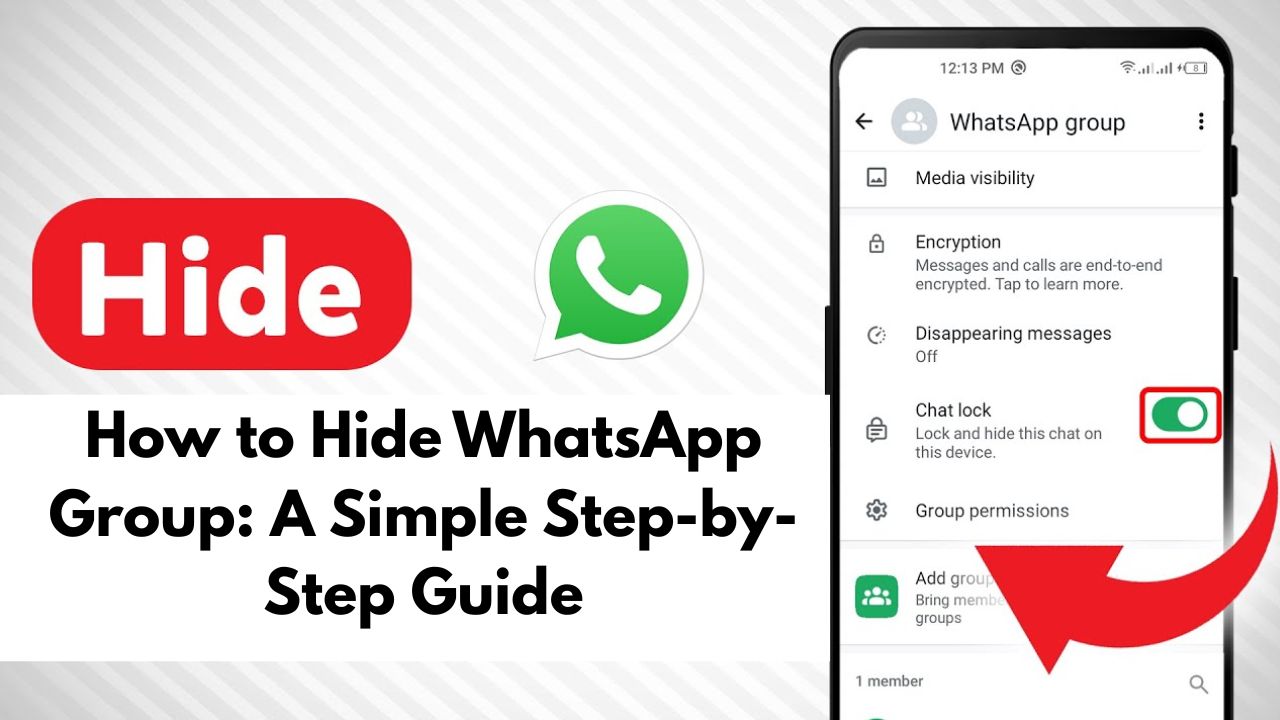
WhatsApp groups are useful for work, family, friends, and communities. But sometimes, too many messages from a group can disturb your peace, distract you during work, or fill your chat list unnecessarily. If you don’t want to leave a group but also don’t want it visible all the time, the best solution is to hide the WhatsApp group.
In this blog, we will explain how to hide a WhatsApp group, different methods to keep it silent or out of sight, and useful tips to manage groups better.
Why Do People Want to Hide WhatsApp Groups?
There are many common reasons why users want to hide a WhatsApp group:
- Too many messages every day
- Not important but cannot leave the group
- Office or school groups after work hours
- Family or society groups with frequent forwards
- Personal privacy and mental peace
WhatsApp does not have a direct “Hide Group” button, but it provides smart features that help you keep groups hidden.

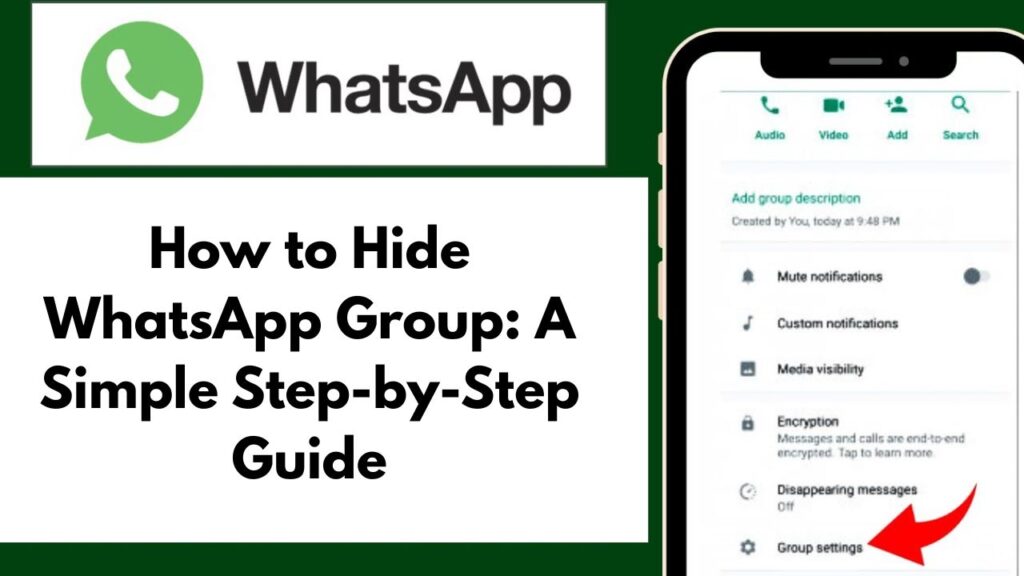
Method 1: Mute WhatsApp Group Forever
Muting a group is the easiest way to reduce disturbance.
Steps to Mute a WhatsApp Group:
- Open WhatsApp
- Go to the Group Chat
- Tap on the Group Name
- Select Mute Notifications
- Choose Always
- Turn on Hide Notifications
Once muted forever, the group will stay silent and won’t disturb you.
Method 2: Archive WhatsApp Group (Best Way to Hide)
Archiving moves the group out of your main chat list.
Steps to Archive a WhatsApp Group:
- Open WhatsApp
- Long-press the group you want to hide
- Tap the Archive icon
The group will now move to the Archived Chats section and disappear from the main screen.
Method 3: Keep Archived Chats Hidden Forever
WhatsApp has a feature that keeps archived chats hidden even if new messages arrive.
Steps to Enable This Setting:
- Open WhatsApp Settings
- Go to Chats
- Turn ON Keep Chats Archived
Now, even if someone sends messages in that group, it will stay hidden.
Method 4: Turn Off Group Notifications Completely
For extra peace, you can disable notifications.
Steps:
- Open Group Info
- Tap Custom Notifications
- Turn off notifications
- Disable vibration and popup alerts
This helps you stay focused without leaving the group.
Method 5: Restrict Group Visibility Using WhatsApp Privacy Settings
While WhatsApp doesn’t allow hiding specific groups via privacy, you can control who adds you to groups.
Steps:
- Go to Settings
- Tap Privacy
- Select Groups
- Choose My Contacts or My Contacts Except…
This prevents unnecessary future groups.
Can You Completely Hide a WhatsApp Group?
No, WhatsApp does not allow completely hiding a group like deleting it secretly. However, by muting + archiving + keeping archived chats hidden, the group becomes almost invisible.
This is the safest and most effective method without offending anyone by leaving the group.
WhatsApp Tips & Tricks Groups (Related to Hide / Privacy)
1. WhatsApp Tips & Tricks Group
Join via public directory:
https://whatsgrouplink.com/whatsapp-tips-tricks-groups/
Use for:
- WhatsApp hidden features
- Archive & mute tricks
- Privacy settings updates
Tips to Manage WhatsApp Groups Better
- Archive inactive groups regularly
- Mute non-important groups forever
- Check archived chats only when needed
- Avoid unnecessary replies in groups
- Use starred messages for important info
These habits keep your WhatsApp clean and organized.
Final Words
If WhatsApp groups are overwhelming you, you don’t need to leave them immediately. By using features like mute, archive, and hidden archived chats, you can easily hide WhatsApp groups and enjoy a clutter-free chat list.
This method is simple, effective, and works on both Android and iPhone.
 Follow Us On Google News
 Follow Us On WhatsApp

Leave a Comment